Orange Pi Plus install Ubuntu server 16.04 armbian image
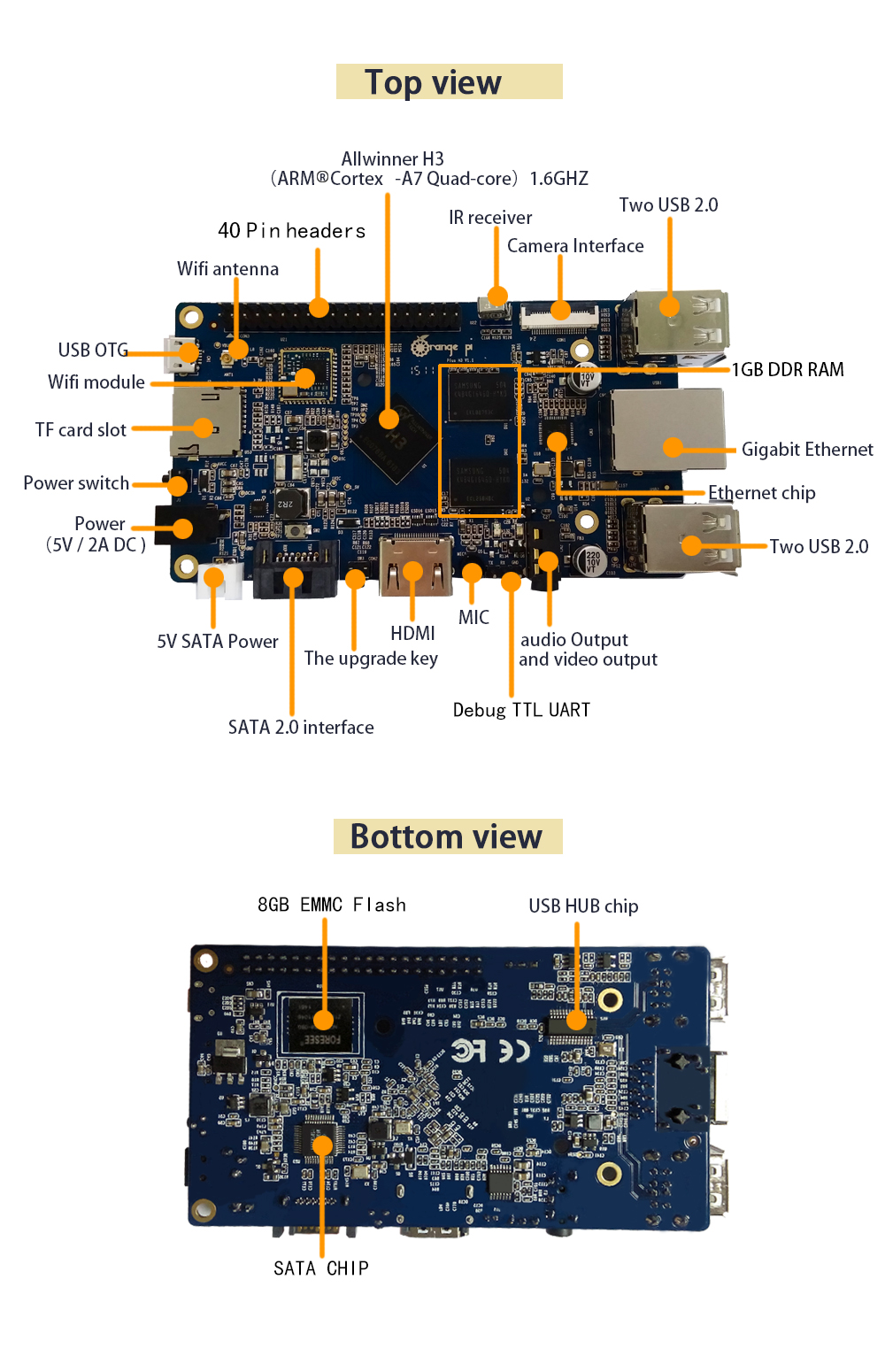
Orange Pi Plus
http://www.orangepi.org/
http://www.armbian.com/
You’ll need a micro SD card and card reader to install the Linux image.

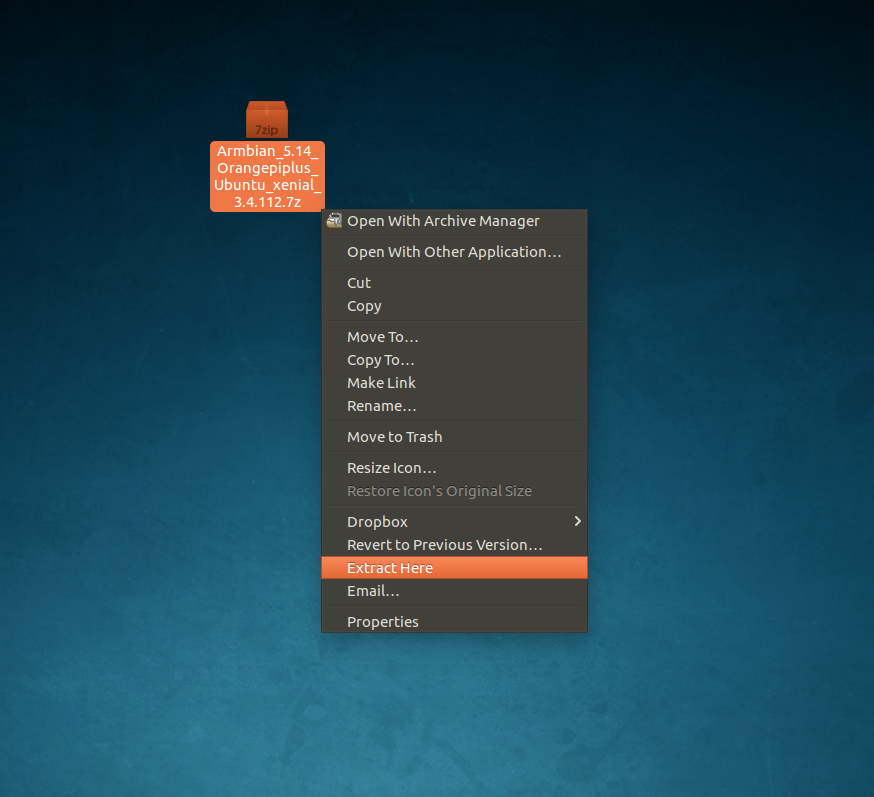
Link download Orangepiplus_Ubuntu_xenial
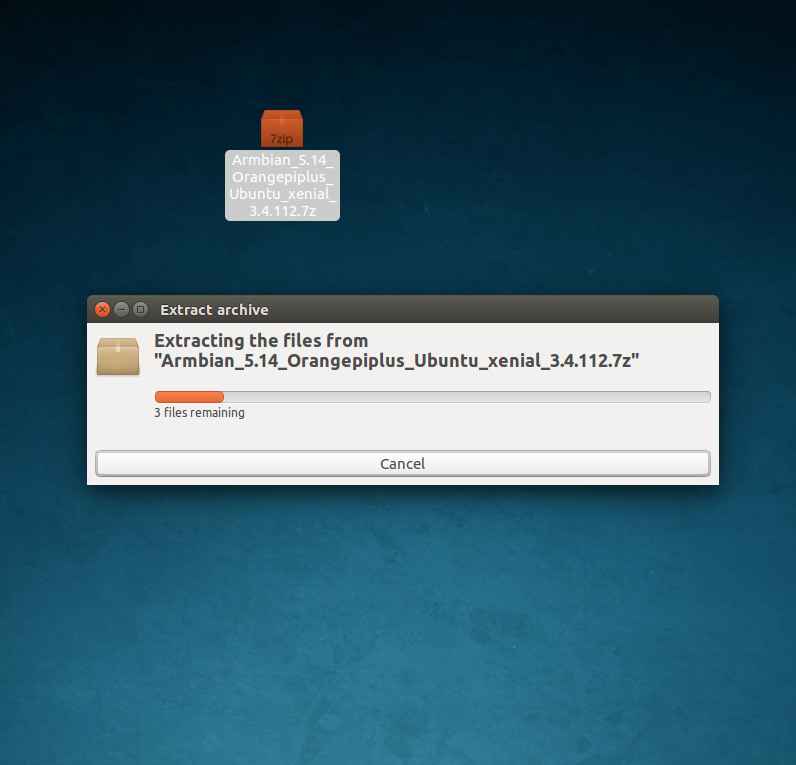
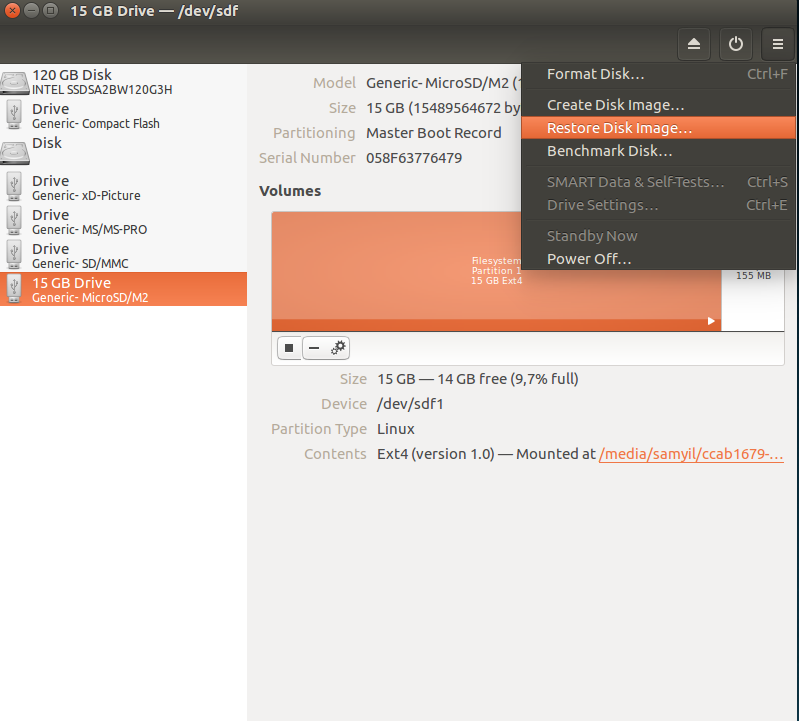
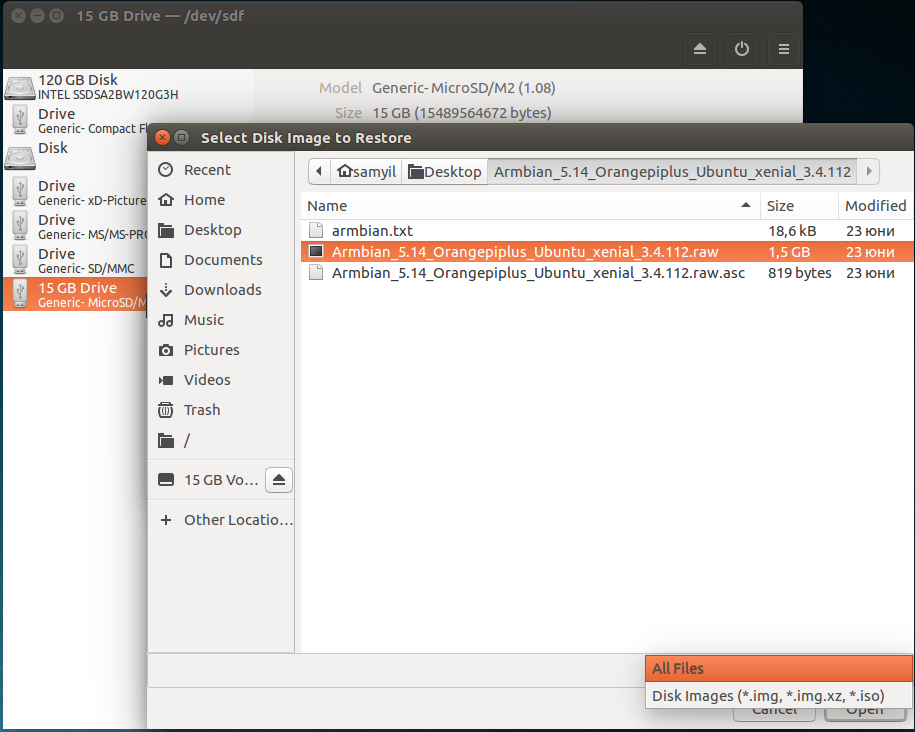
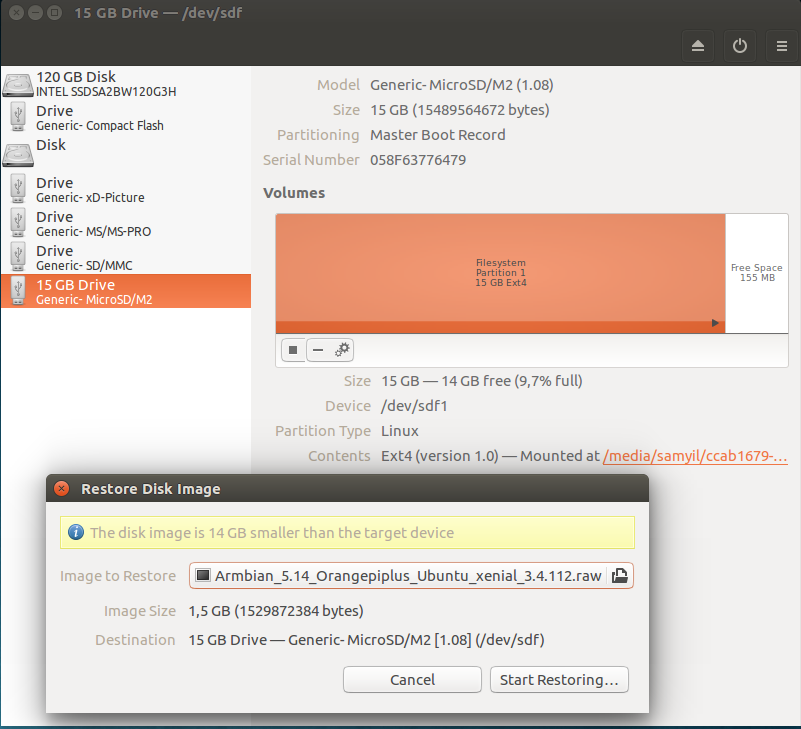
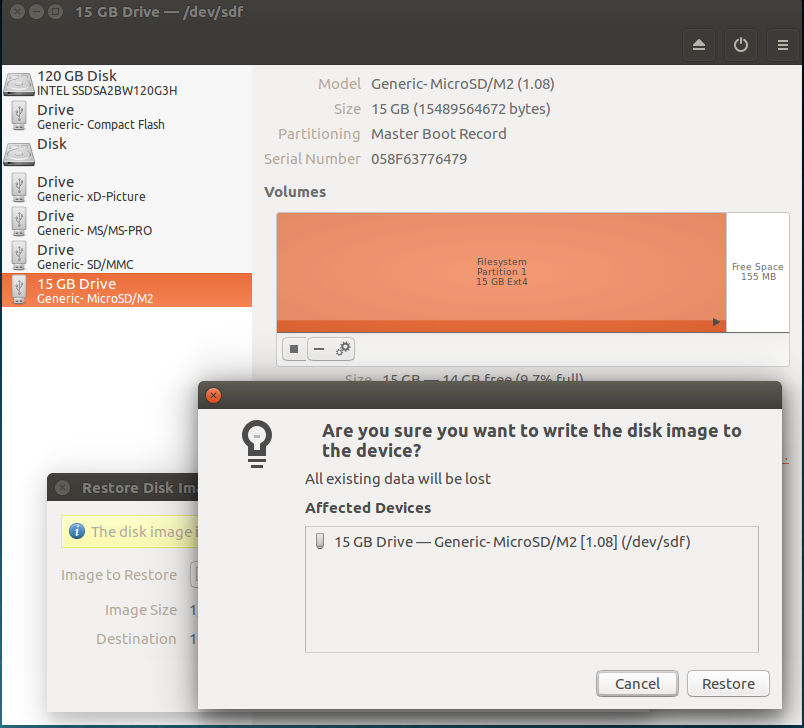
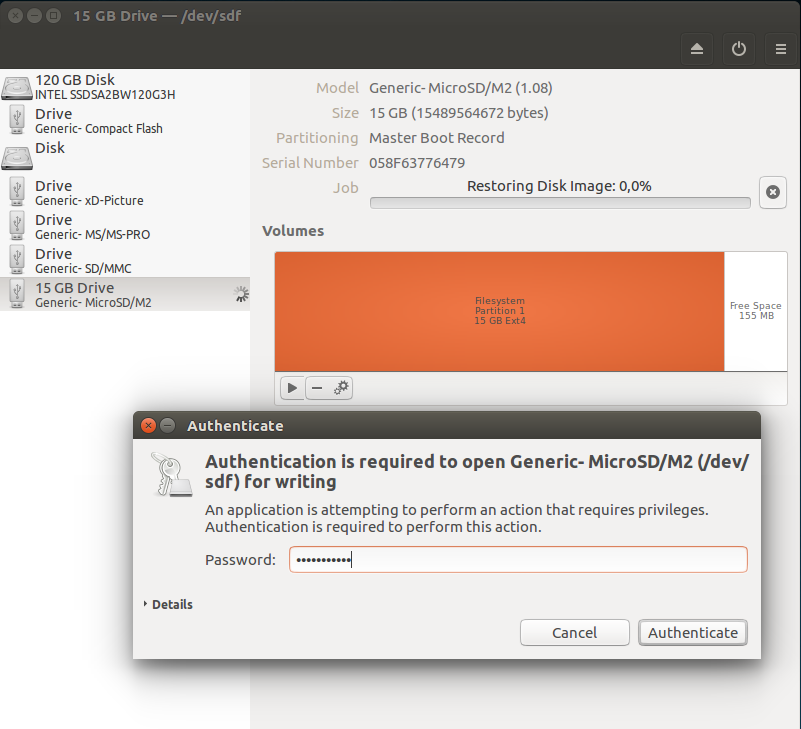
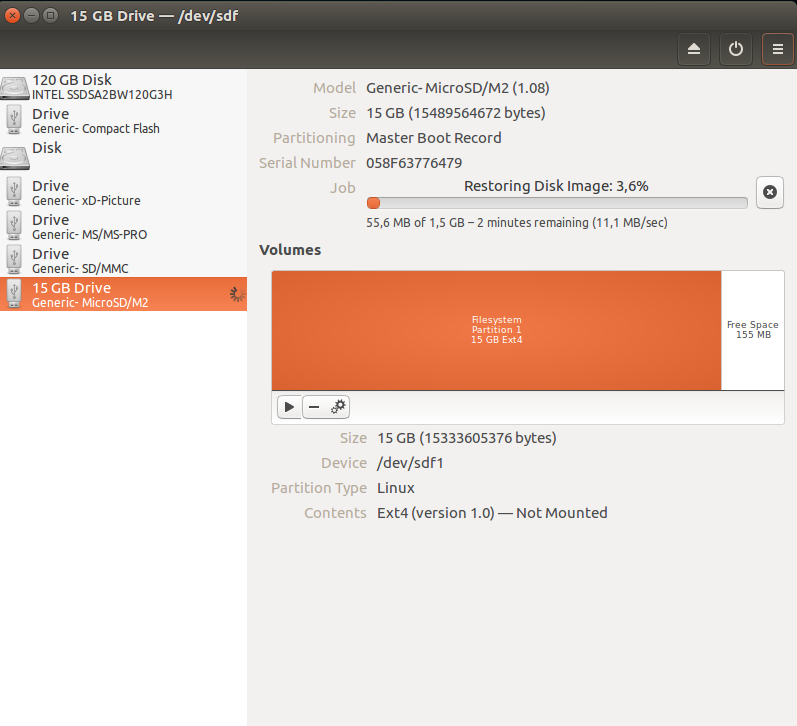
boot from microSD card
first login in terminal user: root password: 1234
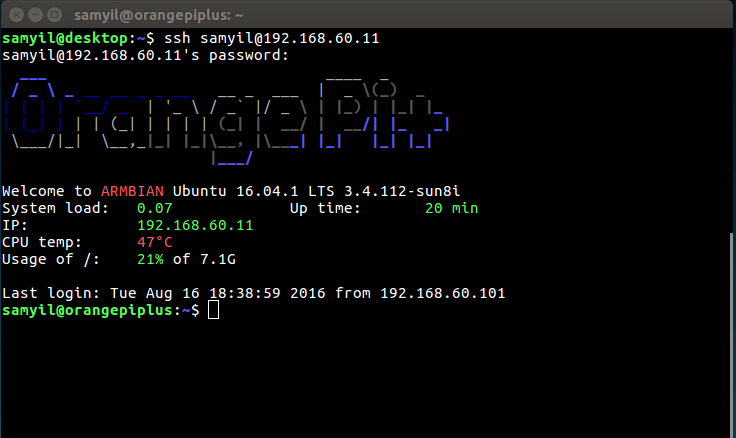
  ___                               ____  _
 / _ \ _ __ __ _ _ __   __ _  ___  |  _ \(_)  _
| | | | '__/ _` | '_ \ / _` |/ _ \ | |_) | |_| |_
| |_| | | | (_| | | | | (_| |  __/ |  __/| |_   _|
 \___/|_|  \__,_|_| |_|\__, |\___| |_|   |_| |_|
                       |___/

Welcome to ARMBIAN Ubuntu 16.04.1 LTS 3.4.112-sun8i

System load:   0.04            	Up time:       3 min
Memory usage:  6 % of 1000Mb 	IP:            192.168.60.11
CPU temp:      51°C
Usage of /:    15% of 15G

New to Armbian? Check the Armbian H3 Mini FAQ first:
https://github.com/igorpecovnik/lib/blob/master/documentation/H3_mini_faq.md

Changing password for root.
(current) UNIX password: 1234
Enter new UNIX password: "new_pasword"
Retype new UNIX password: "re_new_password"
copy OS to emmc
If your board has an eMMC, you can install Linux to the internal flash with:
root@orangepiplus:~# nand-sata-install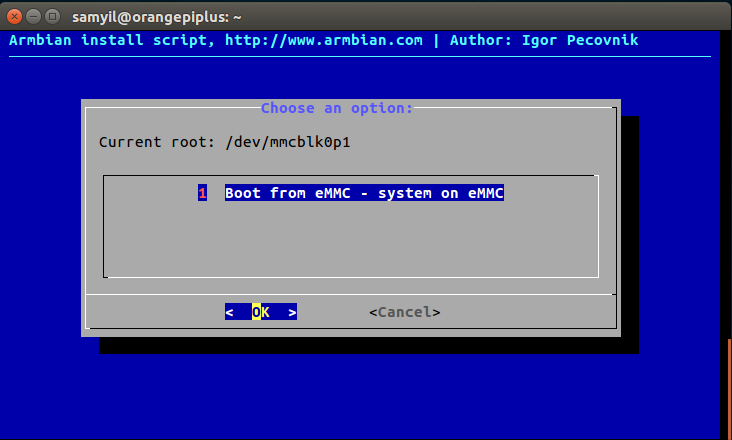
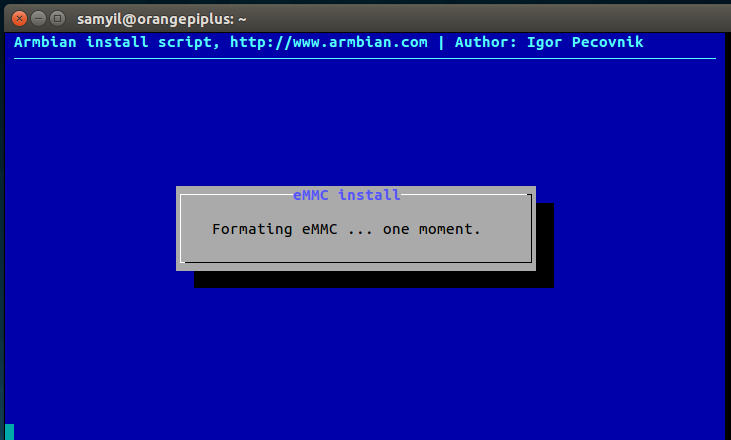
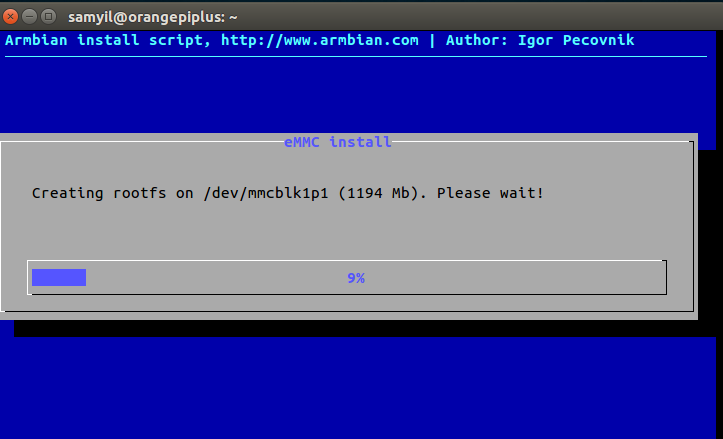
boot from emmc card on board orange pi
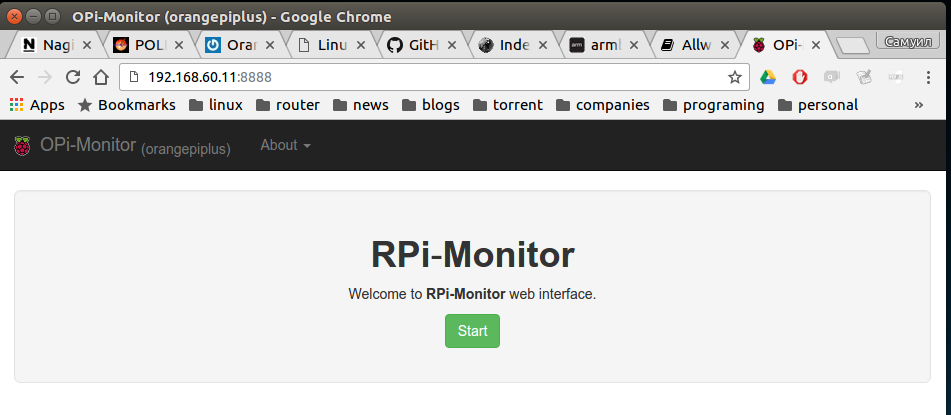
WEB Monitoring
samyil@orangepiplus:~$ sudo armbianmonitor -r